
How can I update my subscription payment method or shipping address?Updated 3 months ago
Subscriptions can be paid using a credit card or debit card, Shop Pay, or PayPal.
To update the payment method or shipping address for an active subscription, please log in to Your Subscriptions at any time.
You will need to use the email address associated with your subscription.
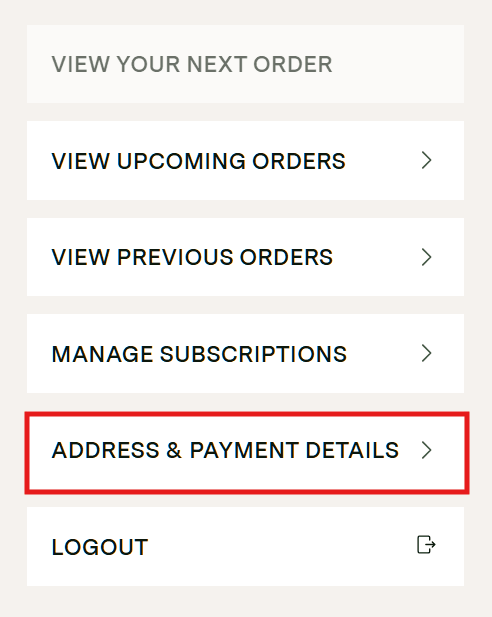
After logging in, select Address & payment details on the right.
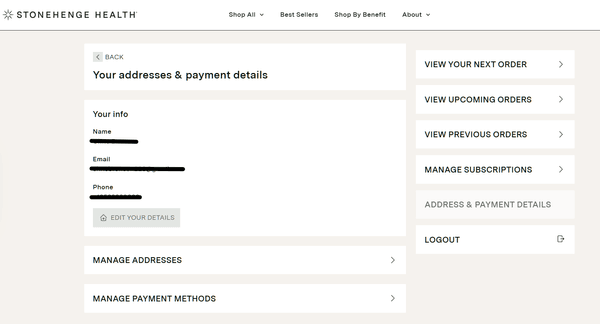
From there, you can update information for your subscription, including:
- Payment method
- Email address
- Shipping address
- Telephone number
 Please note: Updating saved checkout information in your account Profile does not update an active subscription. To update an active subscription, please use Your Subscriptions or the Subscription section of your profile.
You may also update your subscription by contacting our customer support team if you prefer.
Call us at 1-800-930-5965
Text us at 1-949-674-0920
Email us at [email protected]
Live Chat: Click here to chat with us