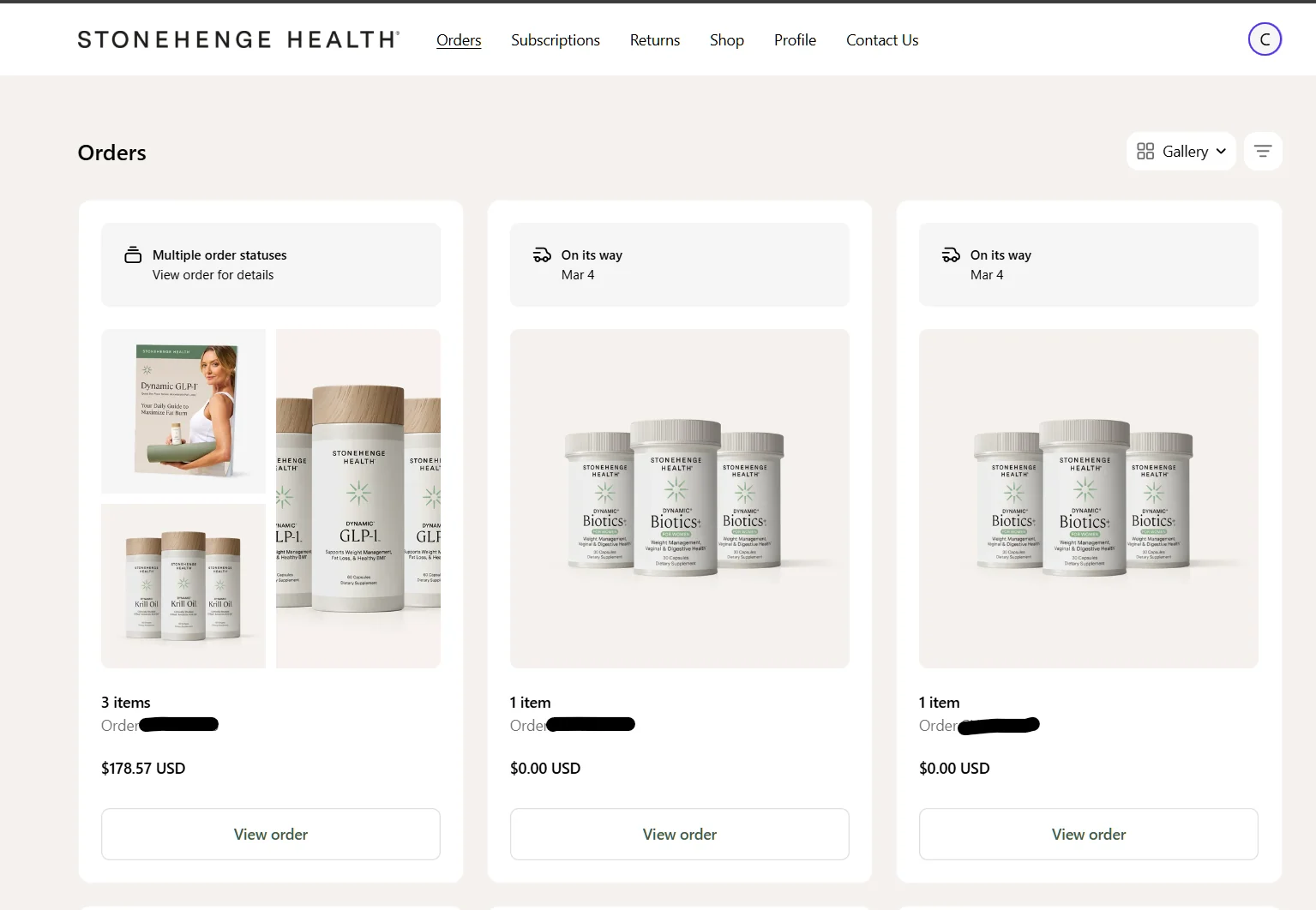
Login: I don’t know if I have an account?Updated 3 months ago
You can access your account by visiting the Your Account page on our website.
You no longer need to create a password or remember an old password to sign in. Instead, you’ll enter your email address and receive a one-time 6-digit code by email.
Please be sure to use the same email address you used when placing your order. This helps make sure your full order history appears in your account. If you already use Shop Pay, you may see a faster sign-in option with Shop.
How to sign in
- Visit the Your Account page on our website.
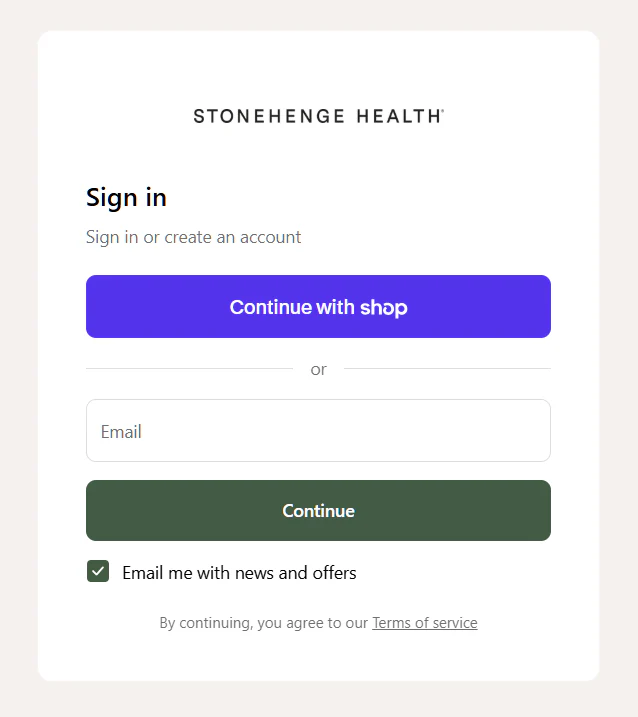
- Enter the email address associated with your orders.
- Check your email inbox for a 6-digit sign-in code.
- Enter the code on the sign-in page to access your account.
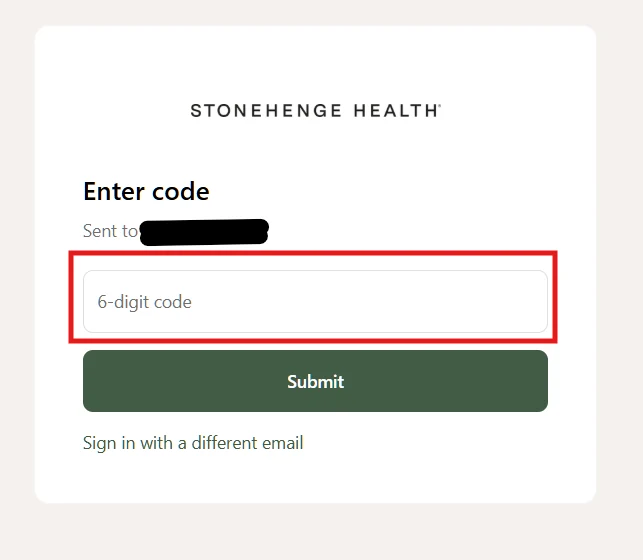
If this is your first time signing in, your account will be created automatically. There is no separate registration step.
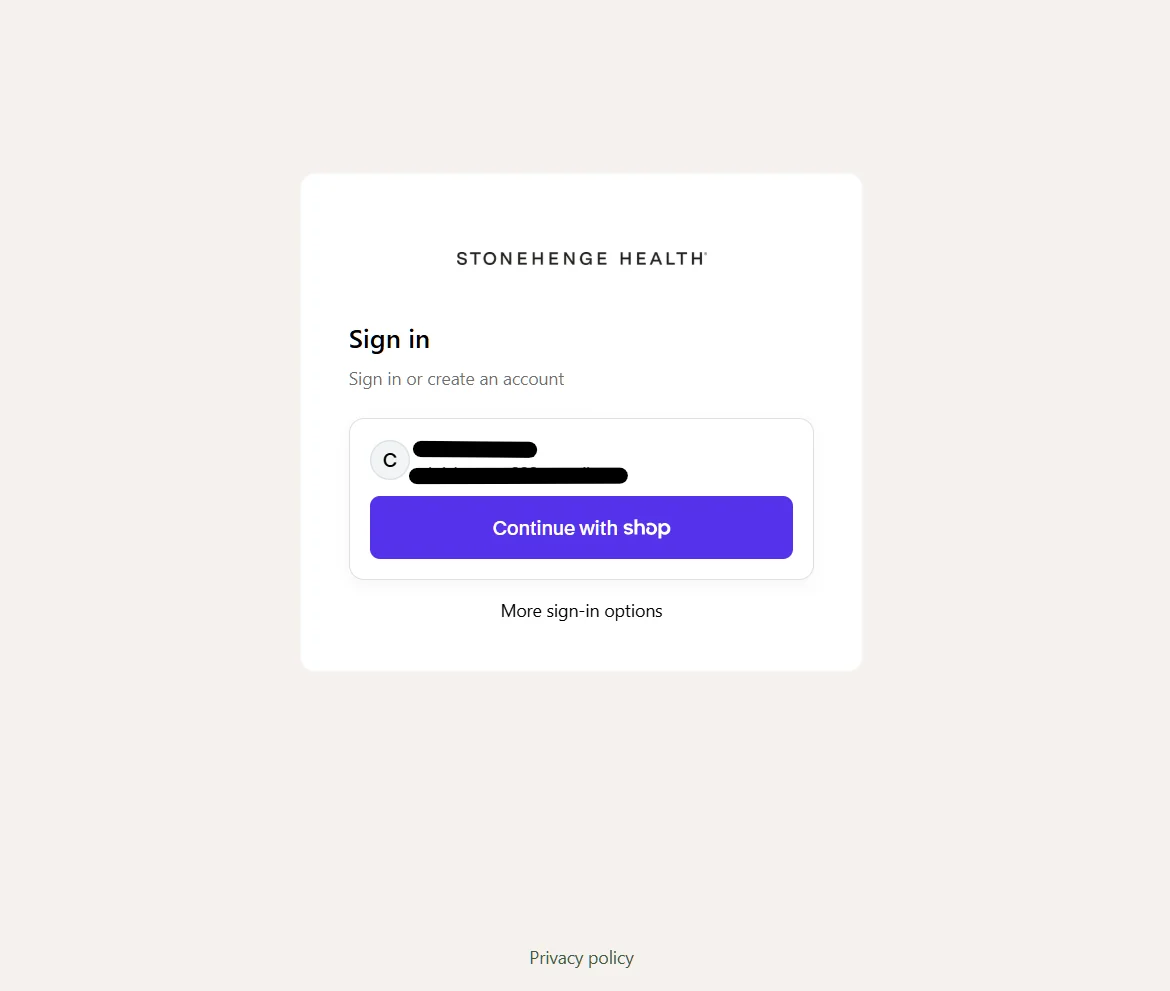
You may also be able to sign in with Shop if you use Shop Pay. This will allow you to receive a sign-in code by text message, if your phone number is on file. If you wish to sign into a different account, click on the "More sign-in options" link underneath the purple "Continue with Shop" button.
What you can do in your account
Once you are signed in, you can:
- View your order history
- Check your order status
- Manage or Cancel a Subscription
- Start a Return
- Manage saved addresses
- Update your name and email address
- Manage saved payment methods